
What Is A 503 Error?
Table of Contents
▼▼▼▼▼
➥ What Is It?
➥ Causes of 503 Error
➥ How To Fix 503 Error
➥ How Long It Lats
➥ 503 Error Prevention
➥ Good Hosting Matters
If you’ve ever tried to visit a website and been met with the message “503 Service Unavailable”, you’re not alone. A 503 error is one of the most common — and most frustrating — server errors on the internet. For website owners, it can mean lost visitors, lost revenue, and damaged trust. For users, it’s simply a dead end.
In this guide, we’ll explain what a 503 error is, why it happens, how to fix it, and — most importantly — how to prevent it from happening again. This article is written by Orange Website, with a focus on real-world hosting environments and practical solutions.
What Is a 503 Error?
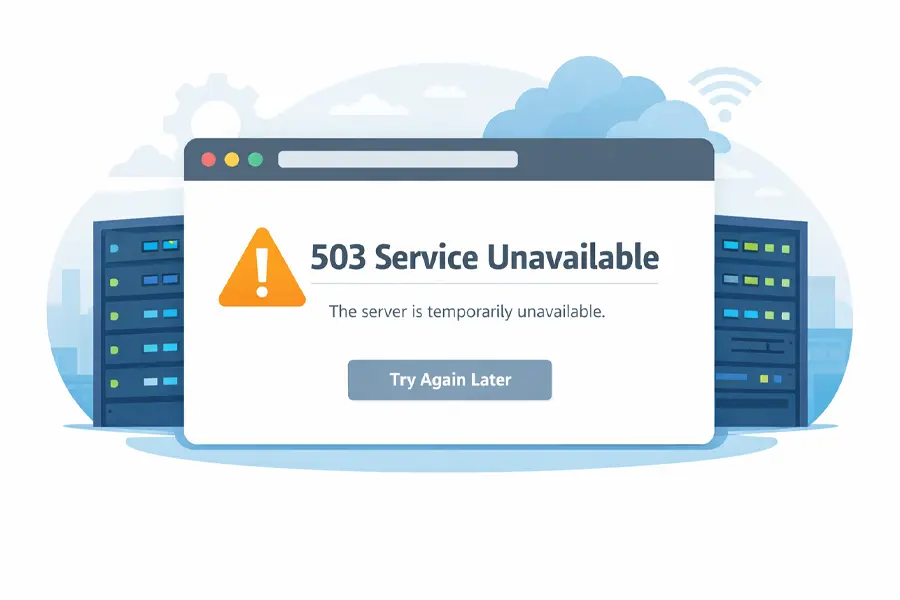
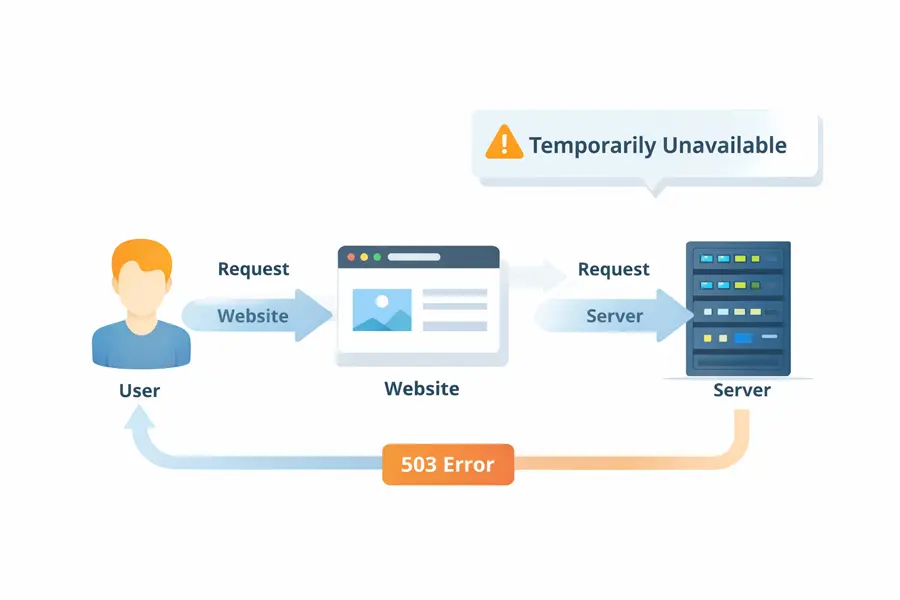
A 503 error is an HTTP status code that means the server is temporarily unable to handle a request.
In plain English:
The website exists, the server is reachable, but it’s currently too busy, misconfigured, or unavailable to respond.
Unlike a 404 error (page not found) or a 500 error (internal server error), a 503 error is usually temporary. That’s good news — but only if it’s resolved quickly.
Common variations you might see include:
- 503 Service Unavailable
- HTTP Error 503
- The server is temporarily unable to service your request
- Service Unavailable – DNS Failure (in some setups)
Most Common Causes of a 503 Error
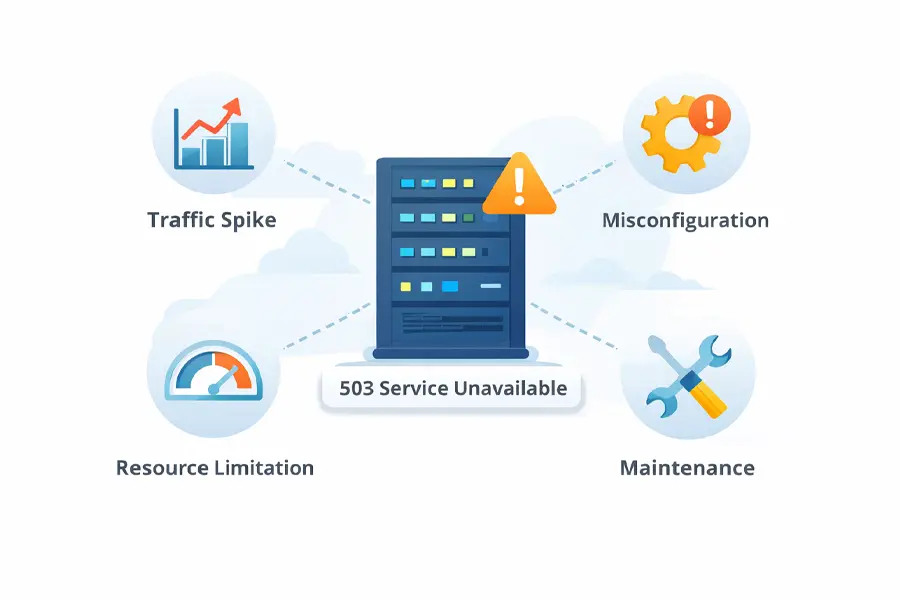
A 503 error doesn’t happen randomly. It’s almost always caused by one of the following issues.
Server Overload
This is the most common cause. If your website suddenly receives more traffic than your server can handle — whether from a viral post, a marketing campaign, or even a malicious attack — the server may start rejecting requests.
Shared hosting environments are especially vulnerable to this.
Maintenance or Updates
Servers taken offline for updates, software upgrades, or maintenance tasks may intentionally return a 503 error to signal temporary downtime. This is normal — but it should be controlled and brief.
Misconfigured Server Software
Incorrect configurations in:
- Apache or Nginx
- PHP-FPM
- Load balancers
- Firewall rules
can prevent the server from properly responding to requests, triggering a 503 error.
Exhausted Server Resources
If your hosting account hits limits on:
- CPU usage
- RAM
- Concurrent processes
the server may stop accepting new connections altogether.
External Service Failures
Many websites rely on third-party services such as:
- APIs
- Payment gateways
- CDN providers
If one of these services fails and your website depends on it, the server may return a 503 error instead of loading broken content.
How to Fix a 503 Error
The fix depends on what’s causing the error — but here are the most effective steps.
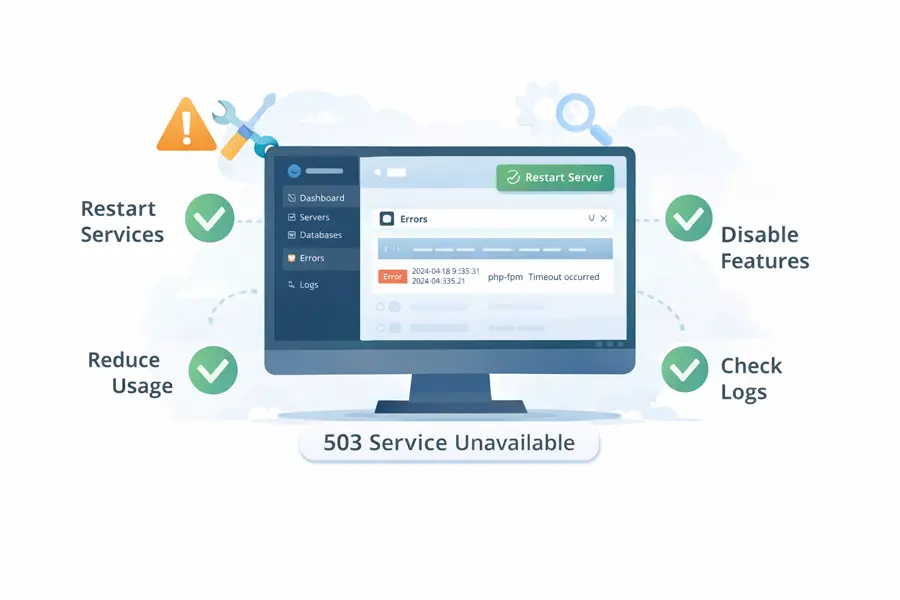
Check Server Status and Logs
The first place to look is your server error logs. These logs often reveal whether the issue is caused by overload, timeouts, or crashed services.
Restart Server Services
Restarting services like:
- Web server (Apache / Nginx)
- PHP-FPM
- Database services
can immediately resolve many 503 errors caused by stalled processes.
Reduce Resource Usage
If your website is pushing the limits of its hosting environment, consider:
- Optimizing plugins and scripts
- Reducing background tasks
- Implementing caching
- Offloading assets to a CDN
Temporarily Disable Heavy Features
If a new plugin, theme update, or custom script caused the issue, disabling it can quickly restore availability.
How Long Should a 503 Error Last?
Ideally? Only minutes.
Search engines generally tolerate short-term 503 errors, especially if the server sends proper headers indicating temporary downtime. However, if a 503 error lasts hours or days, it becomes a serious problem — both for SEO and user trust.
A well-managed hosting environment should detect, isolate, and resolve these issues automatically or with minimal intervention.
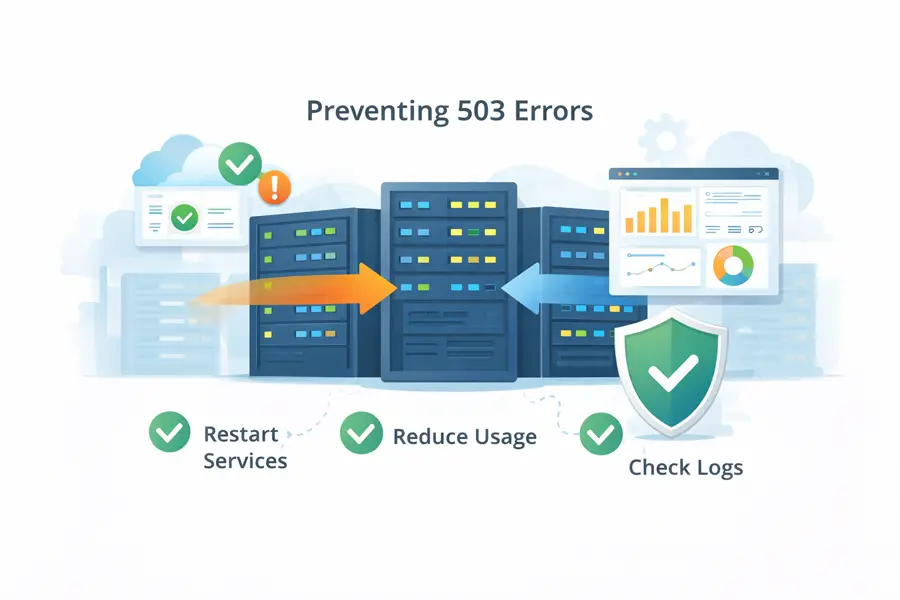
How to Prevent 503 Errors in the Future
Prevention always beats repair. Long-term stability comes down to infrastructure quality and hosting philosophy.
Reliable prevention strategies include:
- Hosting environments with generous resource allocations
- Proper isolation between accounts
- Proactive monitoring and alerting
- Scalable infrastructure that can handle traffic spikes
- Experienced technical support available when things go wrong
This is where your choice of hosting provider matters more than any plugin or optimization trick.
Why Hosting Quality Matters More Than You Think
Many 503 errors aren’t caused by the website itself — they’re caused by cheap, overcrowded hosting environments that collapse under normal usage.
At Orange Website, our infrastructure is built with stability, privacy, and resilience in mind. We don’t overload servers, we don’t cut corners on resources, and we don’t leave customers guessing when something goes wrong.
Our hosting solutions are designed to:
- Handle traffic spikes without crashing
- Maintain uptime even during high load
- Provide fast, knowledgeable technical support
- Protect your website from unnecessary downtime
When your website stays online, your business stays open.
Stop 503 Errors Before They Start
If you’re tired of unexplained downtime, recurring server errors, or hosting environments that fail under pressure, it’s time to upgrade.
Orange Website offers reliable, privacy-focused hosting built for websites that need to stay online — not apologize for being unavailable.
👉 Join Orange Website today and host your site on infrastructure designed for stability, performance, and peace of mind.
Final Thoughts
A 503 error is a warning sign — not just that something went wrong, but that your infrastructure may not be prepared for real-world demands.
Understanding what a 503 error is helps.
Fixing it quickly is essential.
But preventing it entirely is where smart hosting choices make all the difference.